

How to Sign Into our Learning Platform
Last updated: Sep 15, 2026
Visit our Learning platform here.
Click Sign In in the upper right-hand corner of the screen
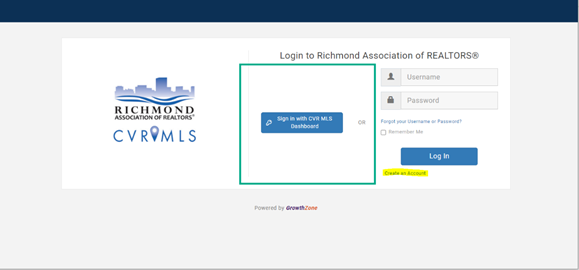
Then, on the left side of your screen, select Sign in with CVR MLS Dashboard and input your CVR MLS login information.
If you have any questions, please call (804)422-5004 or email [email protected].

