

Transact Account Setup

Last updated: May 05, 2026
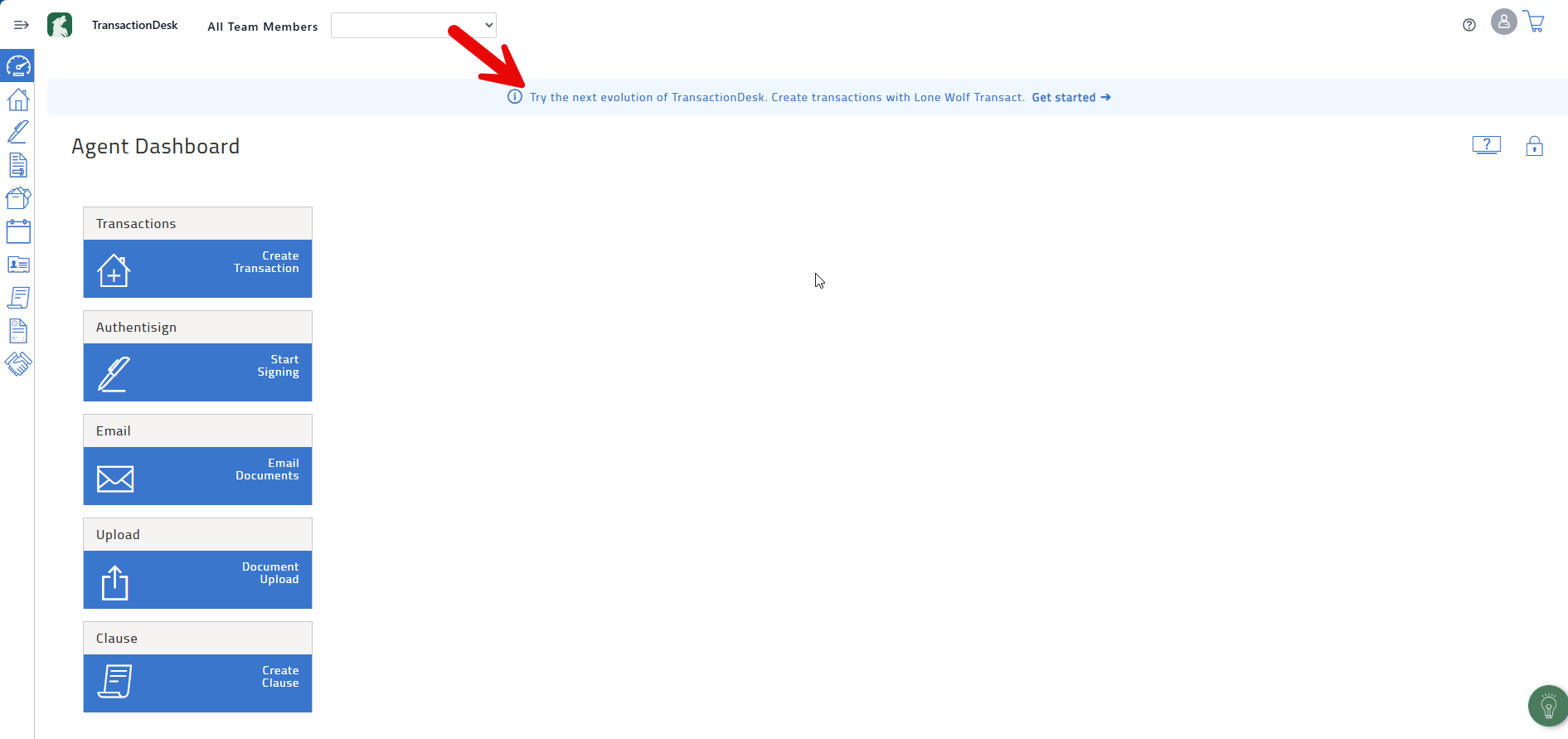
TransactionDesk will transition to the updated interface of Transact in the future, and the new version of the platform is available now. Accessing Transact requires you to create a Transact account first. To get started, go into TransactionDesk and click the link in the announcement banner.
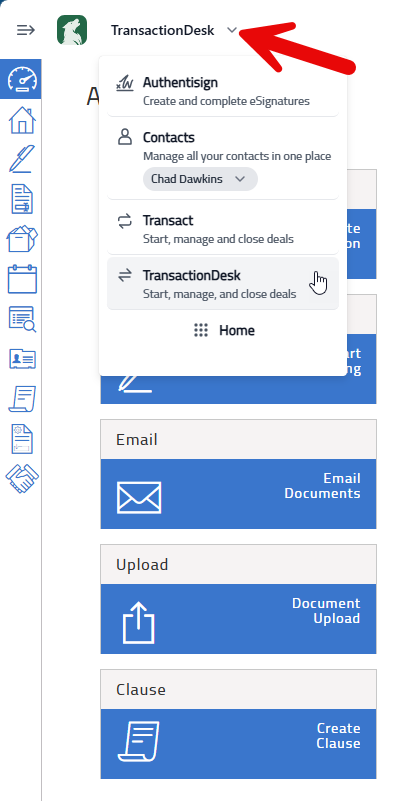
After your account is created, a dropdown menu will become available that allows you to switch between Transact and TransactionDesk.
If the link in the banner does not work and you cannot use the dropdown list, contact LoneWolf support for assistance.
Email: [email protected]
Phone: 866-279-9653

